Telemedicine fails for boring reasons. Not because video doesn’t work. Not because patients don’t want it. It fails because someone can’t log in, the patient doesn’t know what to prepare, or the clinic spends half the visit fixing basic setup issues.
So when people search for telemedicine appointment preparation, they’re really asking: “How do we stop this from being chaotic?”
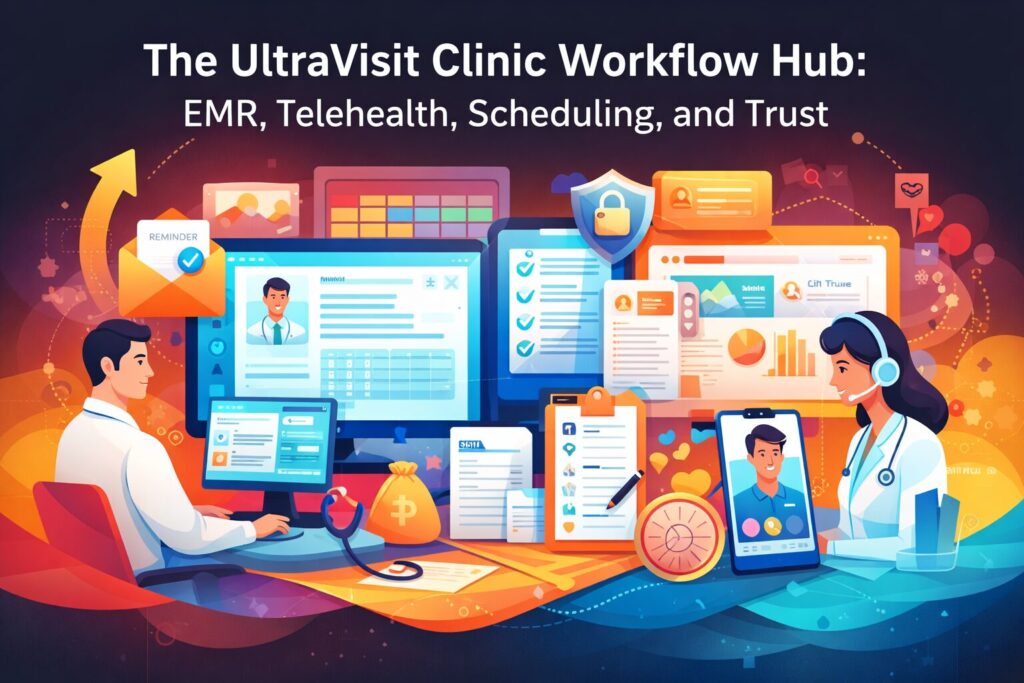
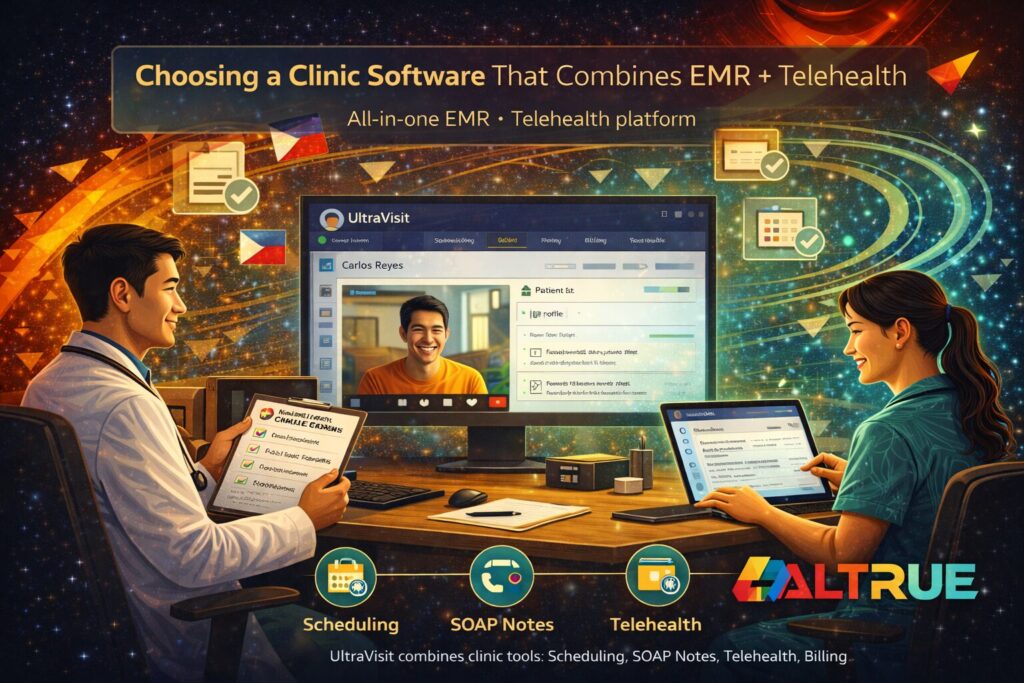
That’s where Altrue and UltraVisit can support a smoother teleconsult experience. UltraVisit is a Philippine-focused platform that combines telehealth with clinic workflow tools, including video teleconsult for follow ups, self booking for patients, reminders to reduce no shows, follow up notes and repeat visit tracking, and secure access controls for your team. It also includes clinic documentation tools like SOAP notes and prescriptions you can print and save, so teleconsults can stay connected to the patient record.
No drama. No scattered notes. Just a cleaner teleconsult flow.
Telemedicine appointment preparation starts before the call, not when the camera turns on
The biggest mistake clinics make is treating telemedicine like a normal consult that happens to be online.
It’s not.
A teleconsult needs a little pre-work so the actual medical conversation can start on time. Otherwise you get the same pattern:
- five minutes spent on audio issues
- another five confirming identity details
- the rest of the visit rushed
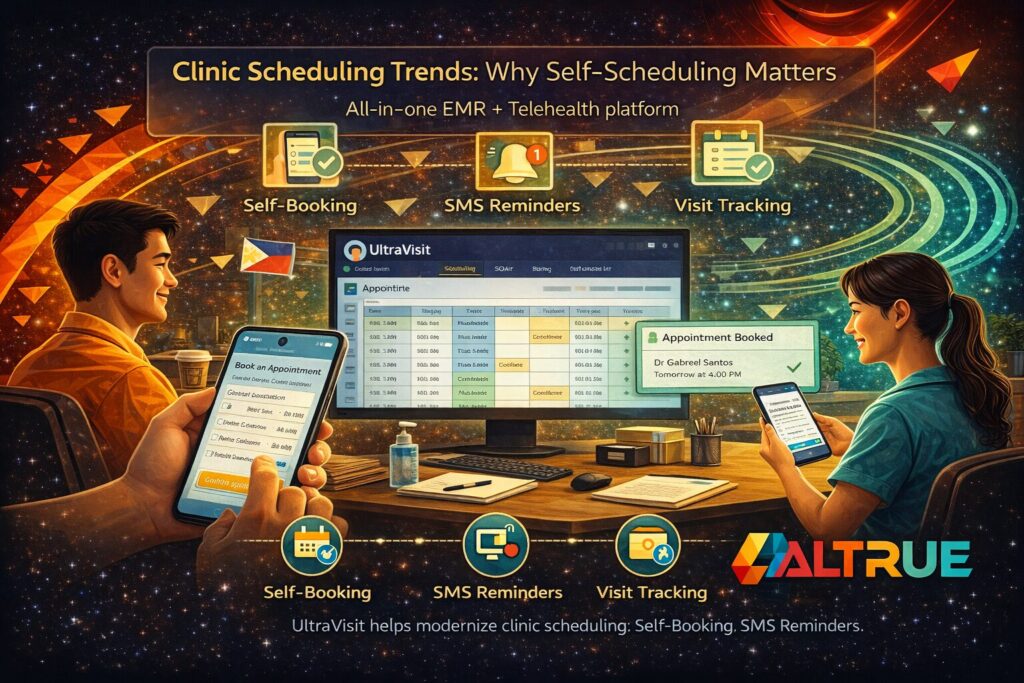
UltraVisit supports tools that help structure the experience earlier, like self booking for patients and reminders to reduce no shows. That means the appointment process can be clearer for patients before the visit starts.
And yes, clarity is everything. Patients don’t hate telemedicine. They hate confusion.
Teleconsult tips that make patients show up ready (and less anxious)
Patients often arrive to teleconsults unsure what to do. They’re not being difficult. They’re just… human.
Here are patient-friendly teleconsult tips you can communicate without making it feel like homework:
- Choose a quiet place with stable connection (if possible)
- Have a list of symptoms and questions ready
- Prepare current medications and any recent results
- Join a few minutes early so the visit starts on time
That’s not a “steps” guide. It’s just common sense packaged nicely.
UltraVisit supports the patient experience through scheduling tools and reminders that can help patients remember their time slot and show up with less friction.
Patient telehealth readiness improves when scheduling is simple
If booking a teleconsult feels complicated, patients delay it, forget it, or cancel it.
UltraVisit includes self booking for patients, which can make the scheduling experience easier for patients. The result you want is a smoother path from “I need a follow-up” to “I’m booked and ready.”
Combine that with reminders to reduce no shows and you remove one of the biggest telemedicine headaches: missed appointments that waste clinic time.
And look, patients are busy. Reminders aren’t nagging. They’re support.
FAQ: What should patients prepare for a telemedicine visit?
For telemedicine appointment preparation, patients usually do better when they have:
- their main concern written down
- a short timeline of symptoms
- current medications
- any results or notes they want to discuss
That’s it. Simple. Human. Practical.
Video consultation guide mindset: protect the first 3 minutes
The first few minutes decide the tone of the entire teleconsult. If it starts messy, the patient feels uneasy, the clinician feels rushed, and everything becomes reactive.
So treat the start like a small ritual:
- confirm the patient’s identity information
- confirm the purpose of the visit
- confirm what outcome the patient wants today
Then you’re in business.
UltraVisit supports teleconsult workflows and keeps documentation connected through clinical tools like SOAP notes in seconds. That helps clinicians capture the consult details while the visit is fresh, not hours later.
Because delayed documentation is where details disappear. Quietly.
Keeping teleconsult documentation clean is half the battle
Telemedicine becomes dangerous when it creates fragmented records. A teleconsult note saved somewhere else. A prescription written on paper. Follow-up details sent via message. That’s how things slip.
UltraVisit supports an integrated clinic workflow with:
- SOAP notes for encounter documentation
- prescriptions you can print and save
- follow up notes and repeat visit tracking
This matters because follow-ups often involve adjusting plans. If the record isn’t clear, the next visit starts from scratch. Patients hate repeating themselves (and honestly, clinicians do too).
Managing follow-ups is where telemedicine becomes real care
A lot of clinics treat telemedicine as a one-off service. But the real value shows up in follow-up continuity.
UltraVisit supports video teleconsult for follow ups and includes tools for repeat visit tracking. That helps clinics maintain a consistent patient story over time.
This is especially helpful when:
- the same patient has multiple check-ins
- different staff members support the visit workflow
- the clinician needs to reference prior notes quickly
It’s not flashy. It’s reliable.
FAQ: How do clinics reduce no-shows for teleconsults?
Clinics often reduce missed teleconsult appointments by:
- making booking easier
- using reminders
- keeping follow-up scheduling clear at the end of a visit
UltraVisit supports self booking and reminders to reduce no shows, which aligns with that practical approach.
Privacy expectations matter even more in telemedicine
Patients share sensitive details. Sometimes from their homes. Sometimes from workplaces. It’s personal.
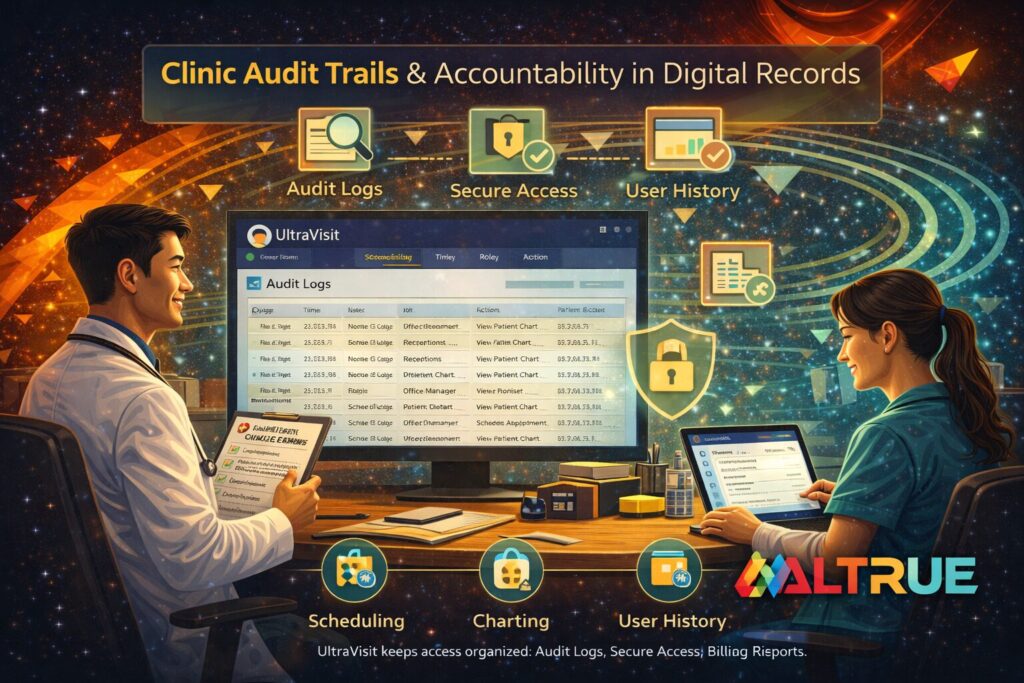
UltraVisit states it protects data in line with the Data Privacy Act of 2012 (RA 10173) and is operated or powered by Altrue. It also supports secure access controls for your team, which is key for clinic environments where multiple roles access parts of the workflow.
Privacy isn’t a tagline. It’s a daily behavior. Systems should support that behavior.
A prepared patient makes the teleconsult feel shorter, calmer, and more valuable
When patients show up ready, telemedicine feels surprisingly smooth.
Less fixing.
Less repeating.
More actual care.
And that’s the point of telemedicine appointment preparation. Not to create rules. To create flow. UltraVisit supports that flow through scheduling, reminders, teleconsult tools, and documentation that stays connected.
If you want to align your clinic’s teleconsult experience with a more organized workflow through Altrue and UltraVisit, start through this Contact Us page.